


CROSIGHT SUPPORT

CroSight Help Center

Find guidance for assembly, riding, maintenance, orders, and after-sales support.

Popular questionHow much does the package weigh?

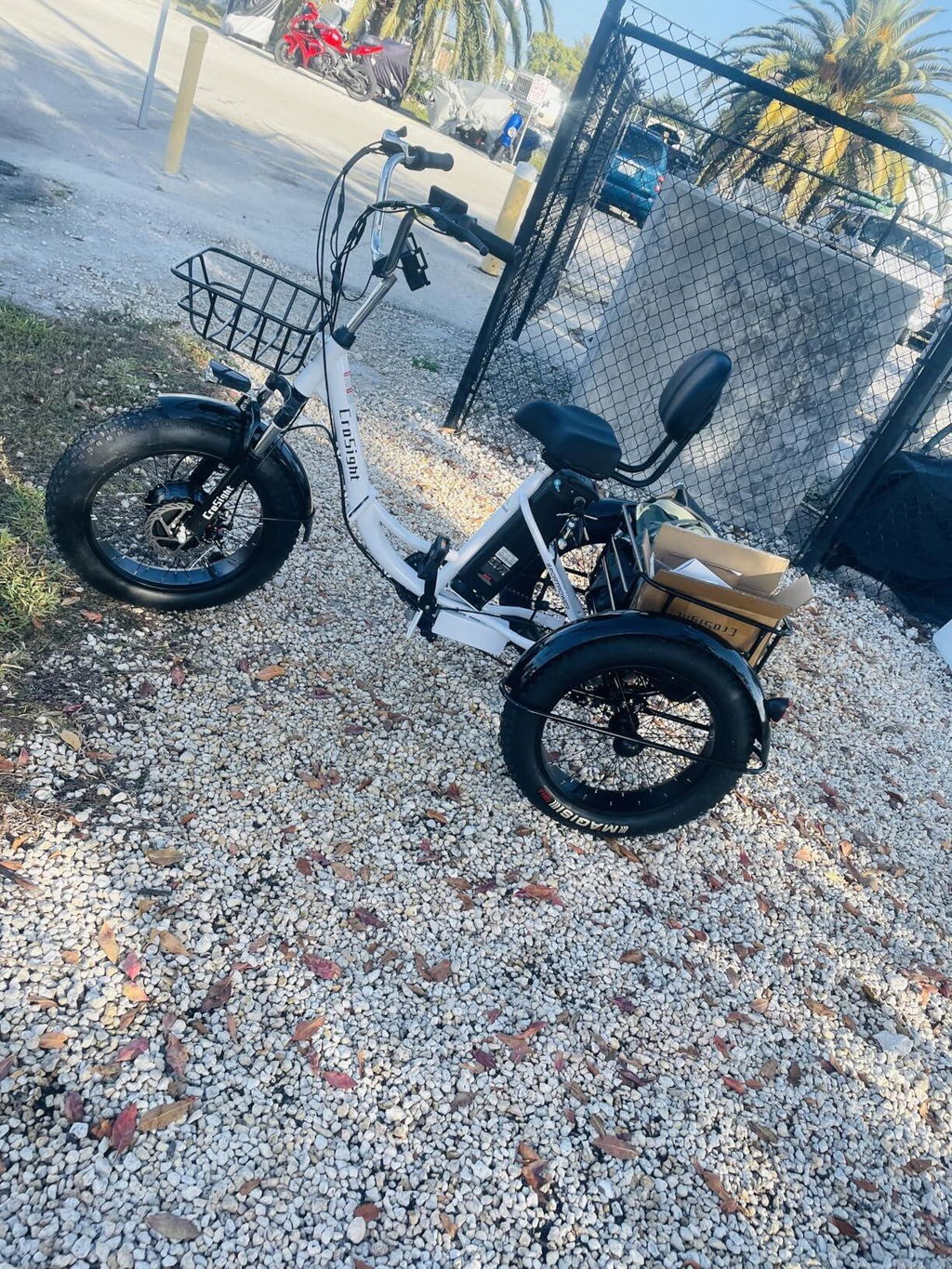
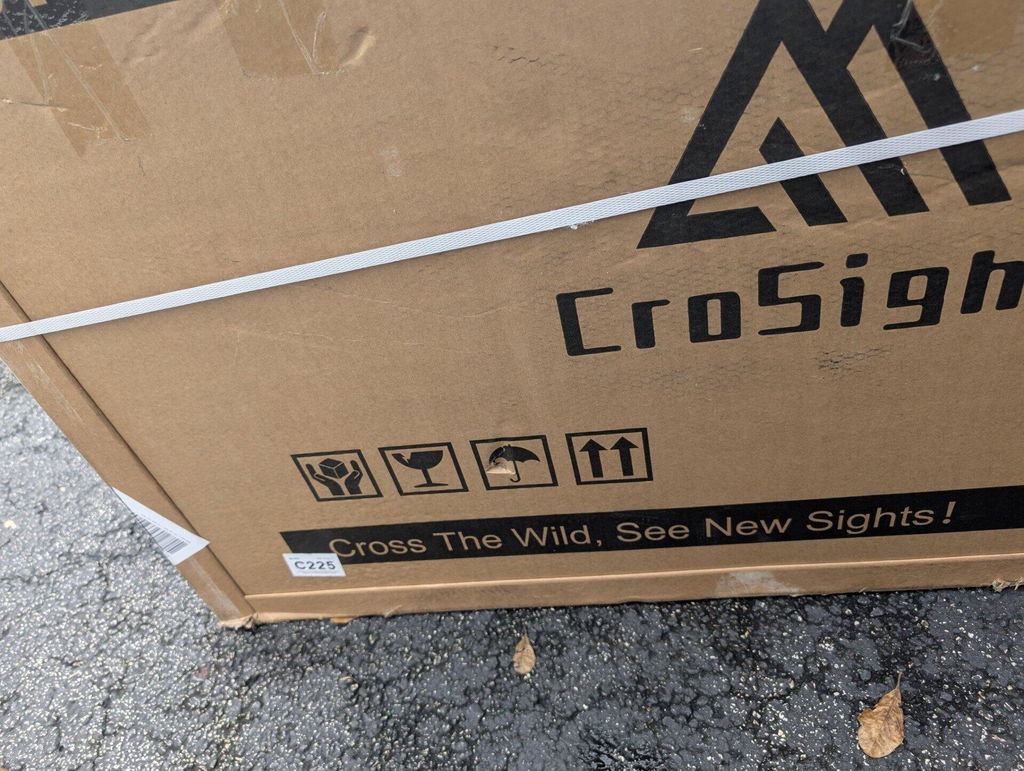
Direct answer: The file states that one electric trike weighs 54 kg per unit including packaging, and approximately 47 kg without packaging.

What it means: The packaged weight is the shipping weight, while the unpacked weight is the approximate product weight after removing the box and packaging materials. Because this is a large item, customers should plan for safe handling when receiving or moving the package.

What to do: Before delivery, make sure someone can help receive and move the package if needed. Check the product page or contact support if you need confirmation for a specific model.

When to contact support: Contact support if you need model-specific weight information before purchase or delivery.

What to prepare: Please provide the product link or model name.

Related articles: Weight Limit; Model Differences; Shipping Address Requirements.

Specification note: Specifications should be checked against the current product information before purchase or service decisions.
Popular questionWhat is the weight limit?

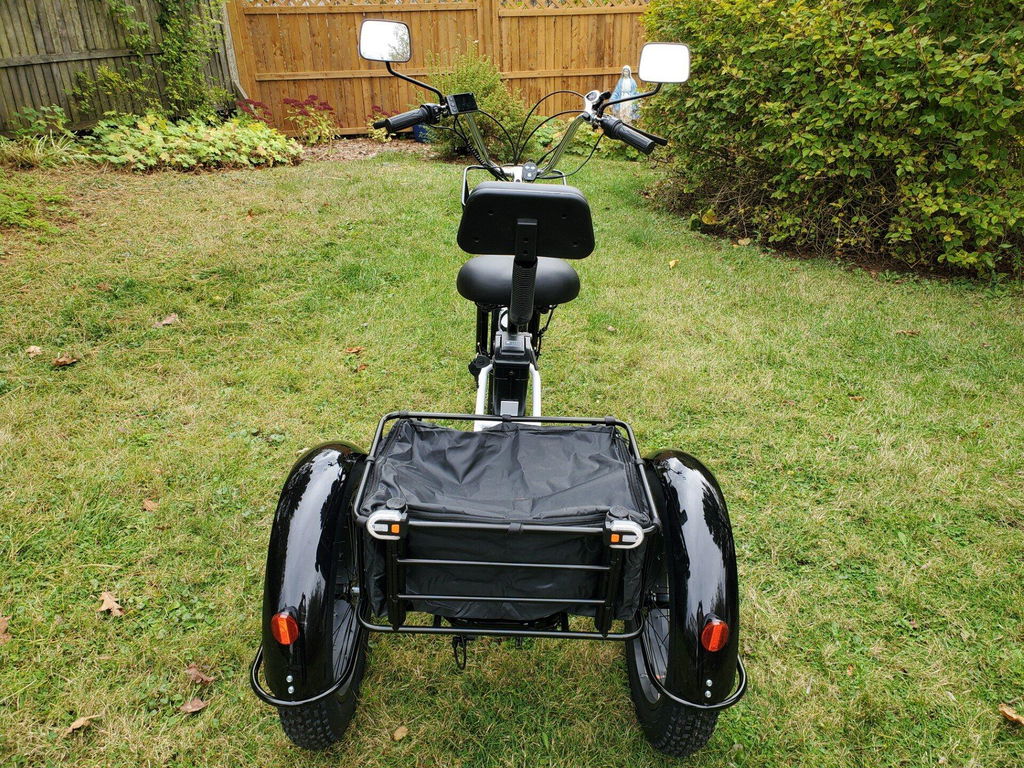
Direct answer: The recommended maximum load is approximately 600 lb, including the rider and all items carried on the trike. The rear basket has a separate load limit of approximately 88 lb.

What it means: The total load should include the rider, cargo, accessories, and anything placed in the basket. Exceeding the recommended limit may affect riding stability, handling, and long-term product performance.

What to do: Before riding, estimate the combined weight of the rider and cargo. Keep heavier items low and secure, and do not overload the rear basket.

When to contact support: Contact support if you need to confirm the limit for a specific model or product page.

What to prepare: Please provide the model name or product link.

Related articles: Model Differences; Package Weight; Installation Support.

Specification note: Specifications should be checked against the current product information before purchase or service decisions.
Popular questionWhat are the differences between the models?

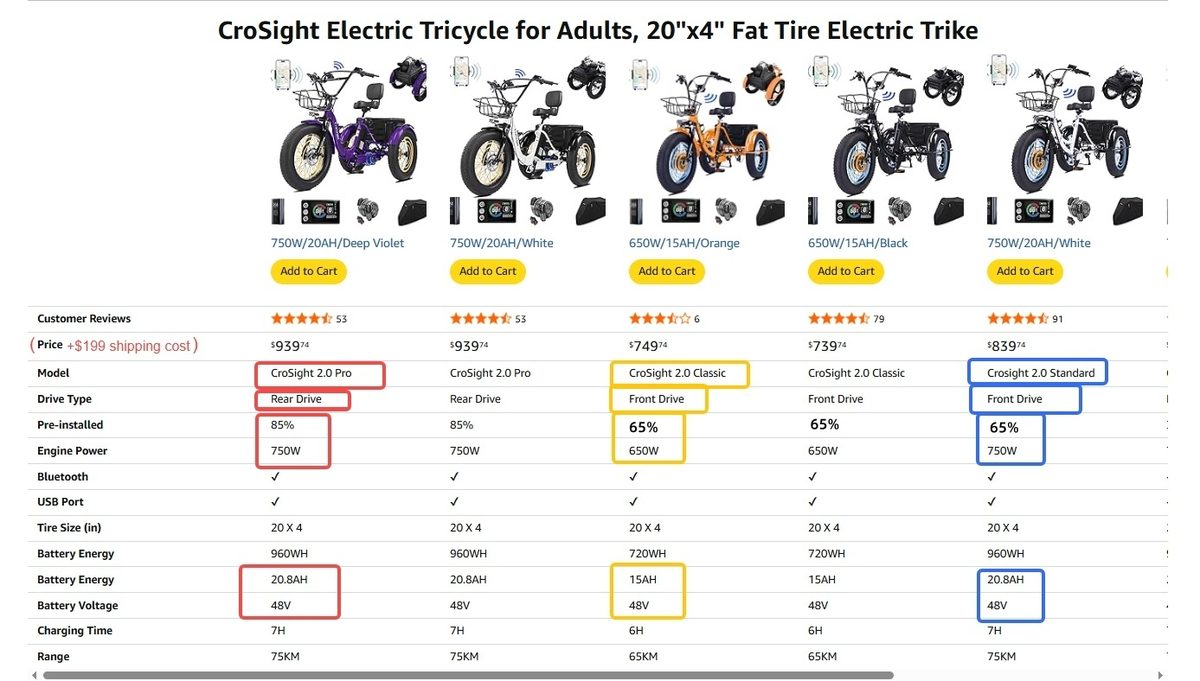
Direct answer: CroSight 2.0 has three listed versions: Classic, Standard, and Pro.

What it means: Classic uses front-wheel drive, a 650W motor, a 48V 15Ah battery, and is about 65% pre-assembled. Standard uses front-wheel drive, a 750W motor, a 48V 20.8Ah battery, and is about 65% pre-assembled. Pro uses rear-wheel drive, a 750W motor, a 48V 20.8Ah battery, and is about 85% pre-assembled.

What to do: Compare motor power, battery capacity, drive system, and assembly level before choosing a model.

When to contact support: Contact support if you are deciding between models or need help matching a trike to your use case.

What to prepare: Please provide the model or product link you are considering.

Related articles: Weight Limit; Package Weight; Installation Support.

Specification note: Specifications should be checked against the current product information before purchase or service decisions.
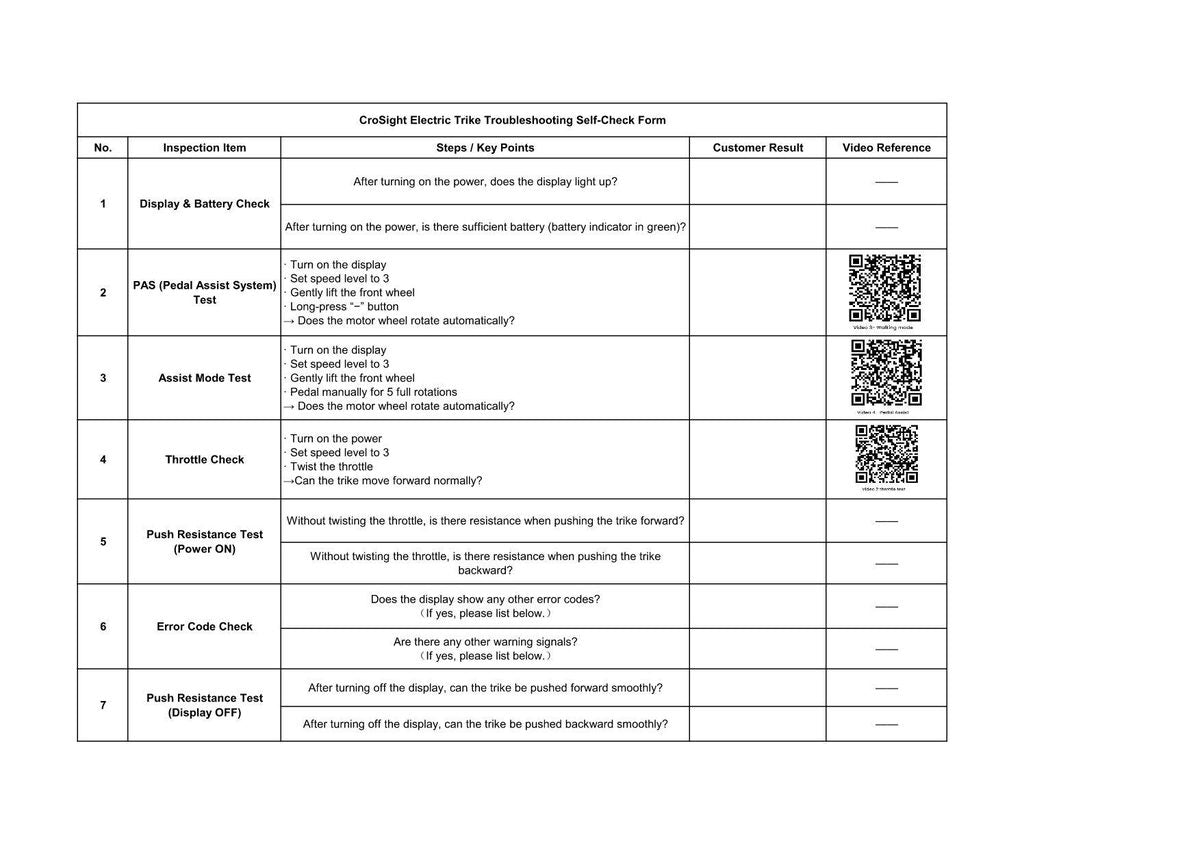
Popular questionHow do I fill out the troubleshooting form?

Direct answer: The troubleshooting self-check form helps support understand your issue faster and choose the correct next step.

What it means: For electrical, motor, battery, display, brake, or wheel issues, support usually needs more than a short description. A complete form reduces back-and-forth and helps avoid wrong diagnosis or wrong parts.

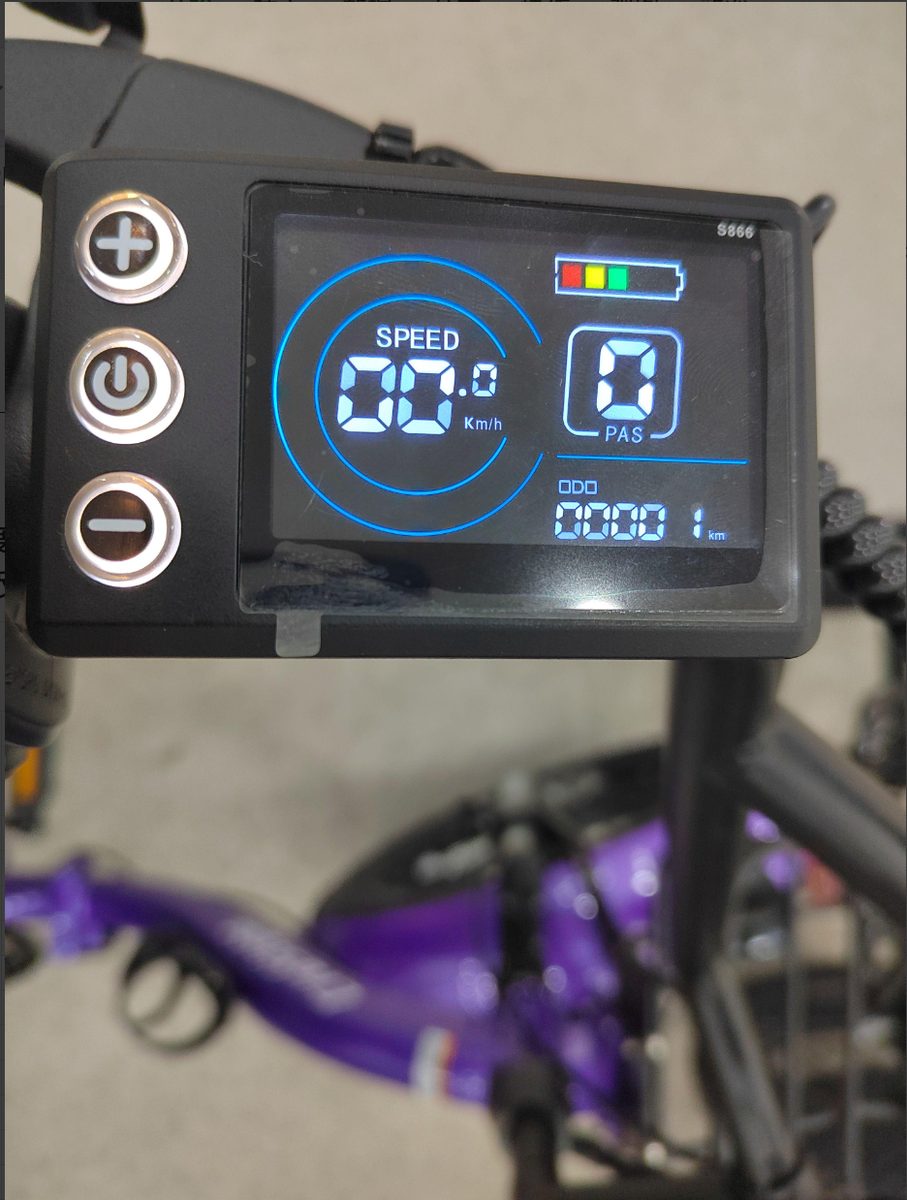
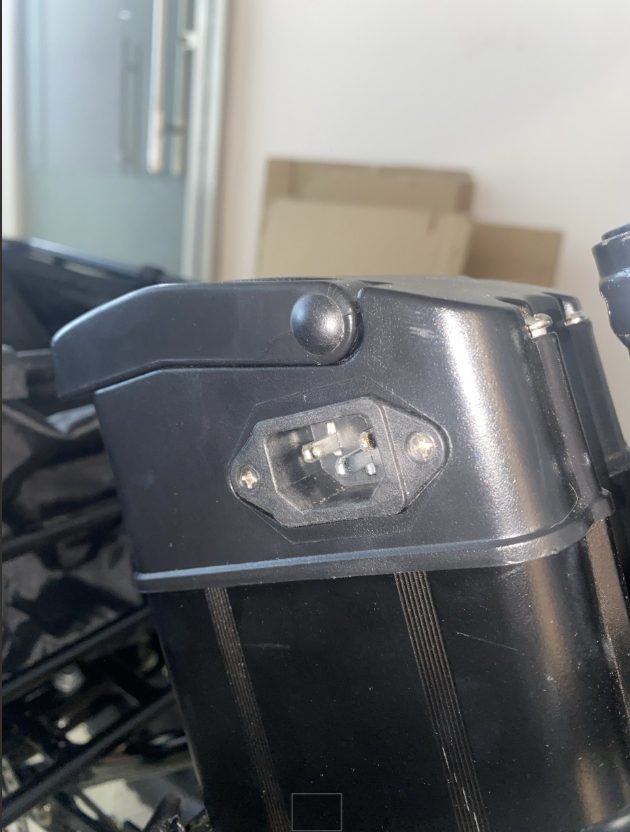
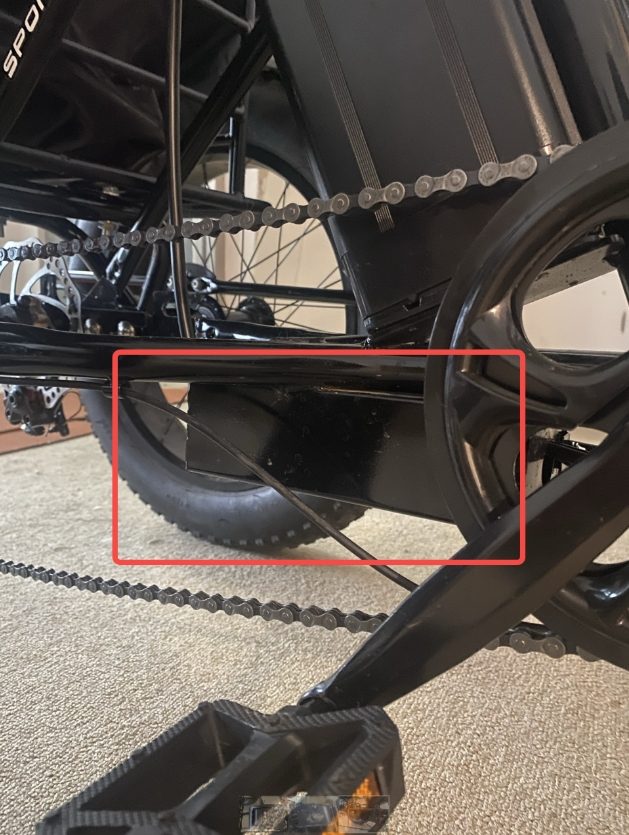
What to do: Fill in your order number, model if known, purchase channel, and contact information. Describe the issue in simple terms: what happened, when it started, whether it happens every time, and whether any error code appears. Add photos of the display, battery, cable area, damaged part, or affected wheel. If the problem happens during operation, record a short video showing the display and your action at the same time.

When to contact support: Contact support after submitting the form, or if you cannot complete a test safely.

What to prepare: Order number, issue description, photos, videos, error code, and any troubleshooting steps already tried.

Related articles: E07 Motor Error; E09 Controller Error; Battery Range Is Shorter Than Expected.

Popular questionHow do replacement parts get confirmed?

Direct answer: Replacement parts are confirmed after support reviews the issue, verifies the needed part, and checks the correct shipping information.

What it means: CroSight needs to confirm the exact part before arranging shipment. This helps avoid sending an incompatible part, especially when different models, batches, or part versions may exist.

What to do: Send support your order number, the part you need, photos or videos showing the issue, and your current shipping address. Support will review the information and confirm the part list before arranging the next step.

When to contact support: Contact support if a part is missing, damaged, defective, or if support previously asked you to confirm the parts list or address.

What to prepare: Please provide your order number, required part list, photos or videos if available, shipping address, and contact phone number if requested.

Related articles: What Should I Provide for a Defective Part?; What Should I Do If My Package Arrives Damaged?; How to Report a Product Defect.

Policy note: This FAQ does not confirm a fixed refund amount, refund timing, shipping cost, delivery range, replacement result, or final eligibility. CroSight support must confirm the next step based on the order details and the applicable policy.

Popular questionWhat should I provide for a defective part?

Direct answer: For a defective or damaged part, please send clear photos or a short video before support can confirm the next step.

What it means: Photos and videos help support identify the correct part, understand the issue, and avoid sending the wrong replacement or giving the wrong instructions. This is especially important when the part name is unclear or when multiple parts look similar.

What to do: Take a clear photo of the whole part, a close-up of the damaged or defective area, and a photo showing where the part is installed on the trike. If the issue only appears during use, record a short video showing the problem.

When to contact support: Contact support if a part is damaged, defective, missing, does not fit correctly, or you are not sure how to identify it.

What to prepare: Please provide your order number, photos or videos of the part, your shipping address, and contact phone number if support requests it.

Related articles: How Replacement Parts Are Confirmed; What Should I Do If My Package Arrives Damaged?; How to Report a Product Defect.

No matching answers

Try a shorter keyword or contact CroSight Support.

We hope this answered your question.

Contact Us

Do you have any question?